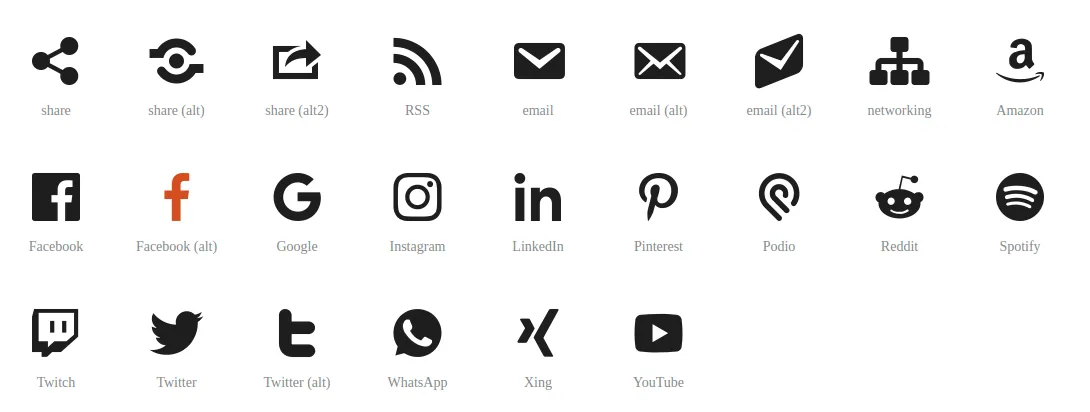
List of Dashicons names from the WordPress docs
Snippet to extract the list of Dashicons names from the WordPress documentation page
If you need a quick way to extract the list of Dashicons icon names from the WordPress documentation page, you can, from that same page, open the browser console and run the following code snippet.
After running it, the list of names will be copied to your clipboard.
copy(
  Array.from(document.querySelectorAll("li.dashicons")).reduce((acc, curr) => {
    const classList = new Set(curr.classList);
    classList.delete("dashicons");
    return [...acc, Array.from(classList)[0].toString().replace("dashicons-", "")];
  }, []),
);
Why you’d need this
Dashicons is the SVG icon set built into WordPress, used throughout the admin dashboard and available to anyone building plugins or themes. The official page shows the icon grid but doesn’t offer a direct way to copy the list of names — hence the snippet.
Using the extracted names
Once you have the list, each name needs the dashicons- prefix to be usable:
-
in HTML/CSS, inside a
<span>with thedashiconsclass:<span class="dashicons dashicons-admin-post"></span> -
in PHP, for example for a menu item icon in
add_menu_page():add_menu_page('Title', 'Title', 'manage_options', 'slug', 'callback', 'dashicons-admin-post');
The dashicons stylesheet is already loaded by default in the admin area; on the frontend you need to enqueue it yourself with wp_enqueue_style('dashicons').

Co-Founder & CTO at PAPION. Senior software engineer with AI skills: React, TypeScript, Node.js, LLM and AI agent integration, and application security.